
Creating Characters with AI
My experiments with AI programs made me realize that having a group of “characters” is important. By “characters” I mean images of people who can serve as my “subjects” in posts, ads, and videos used in various media.
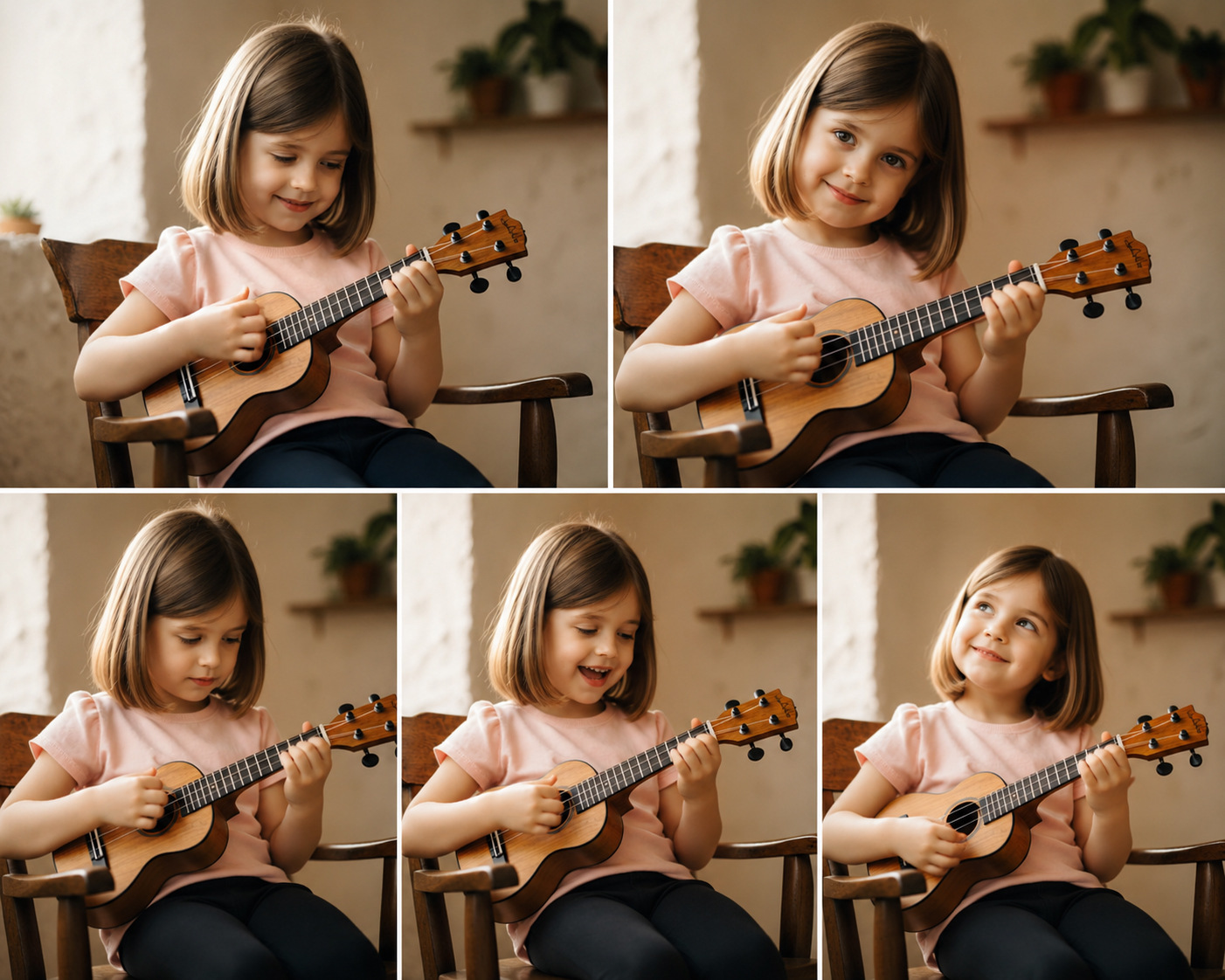
For example, in this video I wanted a “little girl playing a ukulele”. So my first job was to either find an actual little girl and make a video of her playing the ukulele, or ask a program like ChatGPT to create what I will call a “reference image” of a “cute little girl playing a ukulele”. Then I would be able to use that image as the subject in posts and ads – either as a static image or an animated one.
This video required quite a bit of experimentation. First I had to create an audio track. This was done in Suno. Initially I was taken aback by the suggestion that I provide lyrics for the audiio track. I banged these lines off in about two minutes and let Suno work with them. The song track was created in about 15 seconds, and actually sounds pretty good. Even better, if you’re not happy with what it first comes up with you can just keep regenerating until you get something you like. As usual how you tweak the prompt has a big impact on the result. But as usual with these experiments I did as little prompt-tweaking as I could get away with.
I assumed that having this same girl in different poses would be useful, so that’s exactly what I asked Chat to create for me. Here are just a few of those images:
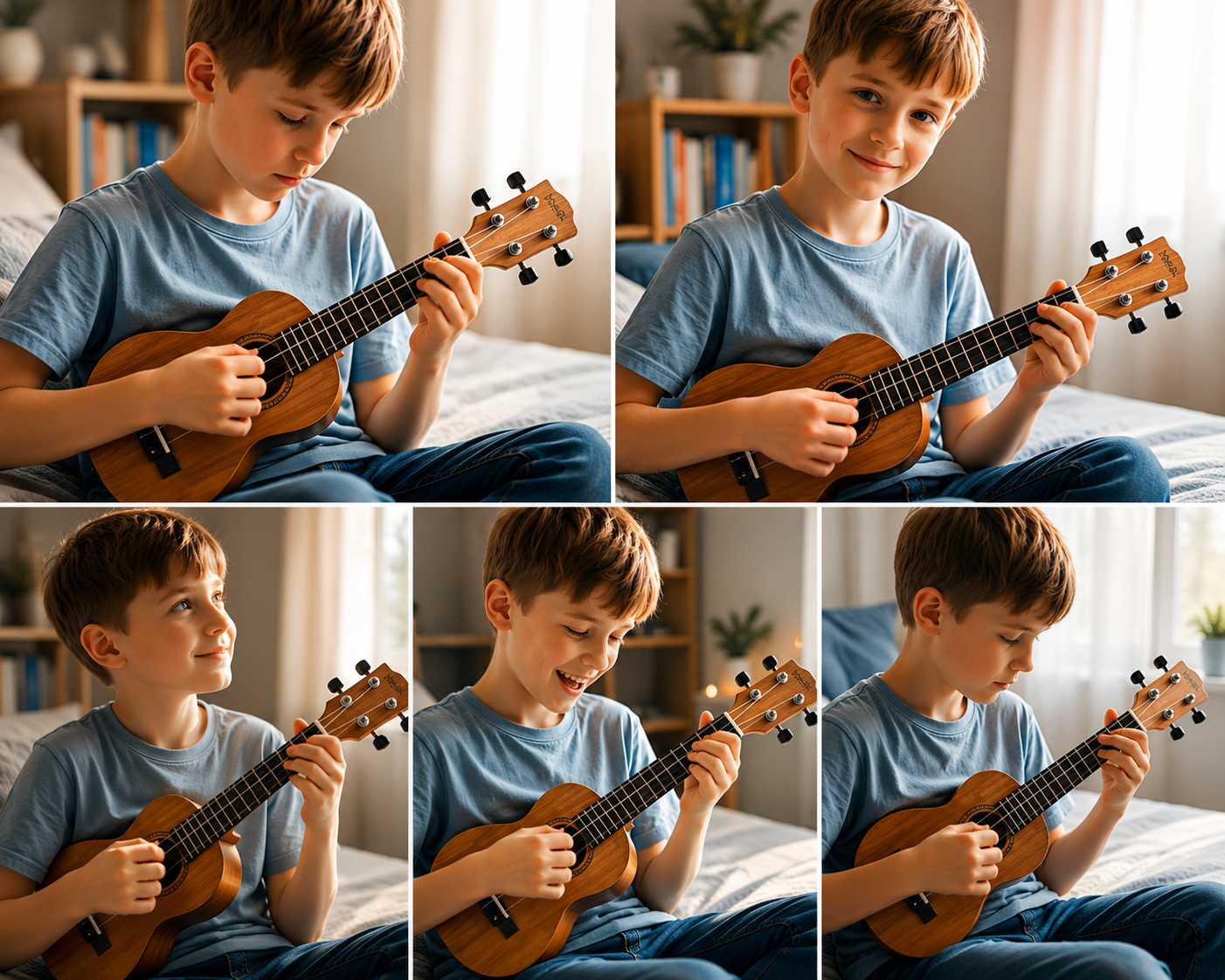
I did the same for other characters playing the ukulele. Here’s a little boy:
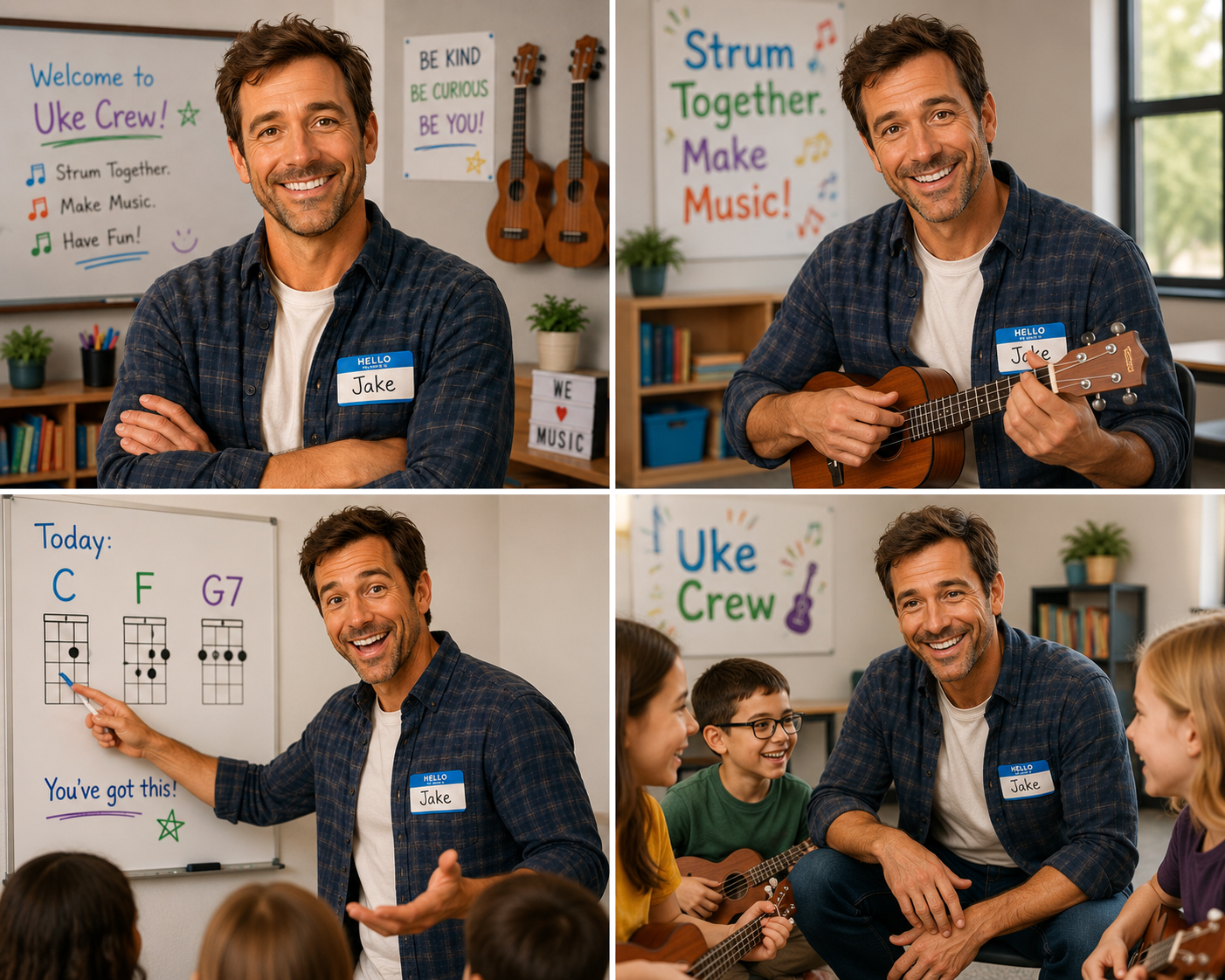
And here is Jake, who I created as a spokesman for “Uke Crew”:
I also experimented with animated characters using other programs, but I didn’t find the automation particularly useful since the apps I ended up using for lip synching actually worked from still images. I demonstrate this below.
To do this I used dzine.ai which essentially required specifying an image and an audio track (more on this in the next post) and telling it to lip sych the two. There are so many variables once you get to this point, so it really helps to know what you are doing. In my first attempt I mixed a “character” image of Jake with an audio track created in suno.com.
The audio track consisted of a script which Jake ended up turning into a song. This is not what I intended, but it was interesting. The lip synching was impressive, along with the animation created from just one image. But it also revealed how letting the app just take over can lead to unintended consequences. In this case I am referring to the kids strumming their ukes in a fairly uncoordinated way. It is probably possible to mess around with the prompt to elimate this motion, but I was not in an experimental mood.
This was the 2nd attempt where I just entered a script in the Lip Synch prompt and chose a voice type from their large collection of voices:
This is more like what I had intended, but the uke strumming is still there, and after one attempt to eliminate it via the prompt I decided it would be best to alter the image so any suggestion the kids were playing would be eliminated. Or possibly eliminate the kids altogether. These things take a lot of experimentation, and with apps like this there are often costs associated with that experimentation.
My general conclusion is that it would probably be safer, and perhaps more effective and less suggestive of technical-gimmick-overreach, to just go with tried and true solutions like the one below. Here I combined a series of still images with a music track created in Suno.
This required several steps. First I combined the images in Davinci Resolve. Then I created a music track in Suno. I added this in Resolve, and then added headlines and graphics as well. The was definitely a more “traditional” approach where I eliminated all AI-generated voice tracks and animation:

New Series Called “Discovering AI”

Canadian wireless phone system sucks (relatively speaking)

WalMart 15 – Target 0
About Author
